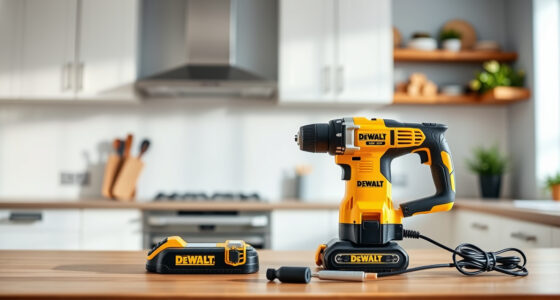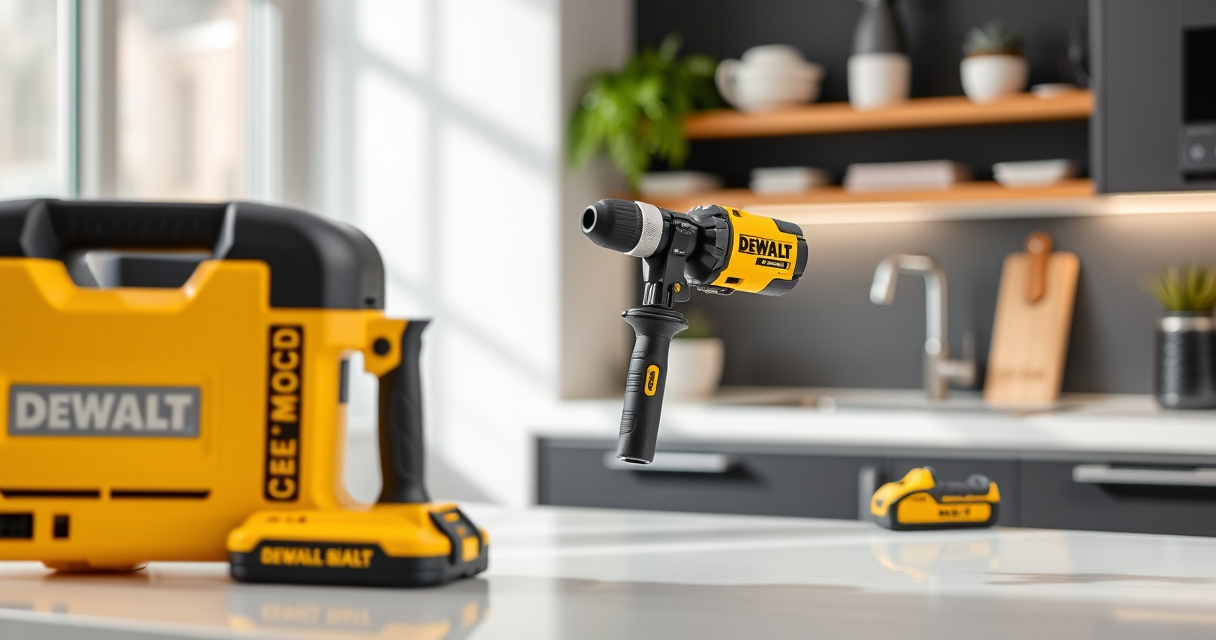

Proper maintenance and troubleshooting are essential to keep your DEWALT 20V MAX Cordless Drill Driver Set performing at its best. Whether you’re facing issues like reduced runtime, charging problems, or mechanical glitches, this guide provides clear, step-by-step instructions to help you diagnose and fix common problems safely. Regular care not only extends the life of your tool but also ensures safety and efficiency during your projects.

Get business pricing on garage and car supplies
- Business-only prices and quantity discounts
- Tax-exempt purchasing
- Multiple users, one account, clear invoices
From battery care to motor checks, we’ll walk you through practical solutions, tips, and warnings so you can troubleshoot confidently and maintain your DEWALT drill set effectively.
Key Takeaways
| Battery performance | Keep batteries charged and stored properly to maximize lifespan. |
| Charging issues | Ensure charger contacts are clean and the power source is reliable. |
| Motor concerns | Check for debris or overheating that could impair motor function. |
| Mechanical wear | Regularly inspect and lubricate moving parts to prevent failure. |
| LED light operation | Test and replace if the LED is dim or unresponsive. |
Battery Maintenance and Troubleshooting
- Ensure your batteries are fully charged using the recommended DEWALT charger. Avoid partial charges or overcharging.
- Inspect the battery for physical damage or corrosion. Clean the contacts gently with a dry cloth.
- If the battery isn’t holding a charge, try another known good battery to determine if the issue is with the battery or the drill.
- Store batteries in a cool, dry place and avoid extreme temperatures, which can degrade battery capacity.
Battery issues are common, but regular care and proper storage significantly extend their lifespan and performance.
Charging Station and Power Source Checks
- Verify that the charger is plugged into a functioning outlet. Test with another device if necessary.
- Clean the charger contacts and the battery terminals to ensure a good connection.
- Check the LED indicator on the charger—refer to the manual for what different lights signify.
- If the charger remains unresponsive, try a different outlet or replace the charger if faulty.
Proper charging setup prevents premature battery failure and ensures your drill is ready when needed.
Inspecting and Maintaining the Motor
- Periodically check the ventilations and vents for dust or debris; clean gently with compressed air.
- Ensure the brushless motor remains cool during extended use by avoiding overloads.
- If the drill struggles or makes unusual noises, stop use immediately and inspect for obstructions or damage.
- Lubricate moving parts as recommended in the manual, focusing on the chuck and gear mechanisms.
Keeping the motor clean and cool prevents overheating and extends its operational life.
Mechanical and Chuck Care
- Regularly inspect the single-sleeve ratcheting chuck for wear or damage. Replace if it no longer grips bits securely.
- Lubricate the chuck periodically with a light machine oil to keep it turning smoothly.
- Check for loose screws or parts and tighten as needed to prevent mechanical failure.
Proper chuck maintenance ensures precise work and prolongs the life of your drill’s key components.
Troubleshooting the LED Light
- Test the LED light by activating the trigger. If dim or unresponsive, check for debris blocking the lens or contacts.
- Replace the LED module if it is physically damaged, following the manufacturer’s instructions.
- Ensure the trigger switch is functioning properly; replace if faulty.
A well-maintained LED light enhances visibility, especially in dim work environments, improving safety and accuracy.
The Products in This Guide

DEWALT 20V MAX Cordless Drill Driver Set
- ✔ Weight: 3.4 lbs
- ✔ Max Torque: 340 UWO
- ✔ Number of Speeds: 2

DEWALT Drill Bit Set
- ✔ Bit Sizes: Various
- ✔ Coating: Black & Gold
- ✔ Web Design: Tapered
DEWALT 20V MAX Cordless Drill Driver Set
The DEWALT 20V MAX Cordless Drill Driver Set (DCD777D1) stands out for its brushless motor, delivering more run time and power in a compact, lightweight design. Its ergonomic handle, LED work light, and versatile 2-speed transmission make it a reliable choice for various drilling and fastening tasks.
Pros:
- Brushless motor for increased efficiency
- Lightweight and compact for tight spaces
- LED work light for visibility
- Includes 2.0 Ah battery and charger
Cons:
- Battery life may vary with heavy use
- Charger may take time to fully charge batteries
- Limited to 1/2 inch chuck size
Best for: General-purpose drilling, fastening, and DIY projects in tight spaces
Not ideal for: Heavy-duty industrial applications requiring more power
Bottom line: A versatile, durable drill perfect for home and professional use, with excellent battery life and performance.
DEWALT Drill Bit Set
This DEWALT Drill Bit Set offers 14 pieces with a 135-degree split point tip, ideal for various materials. The heavy-duty High Speed Steel and anti-rust coating ensure longevity and reliable performance in demanding tasks.
Pros:
- Versatile for plastic, wood, and metal
- Rust-resistant coating
- Tapered web design for durability
- Secure 3-flats shank
Cons:
- Set may not include specialty bits
- Higher cost for a smaller set
- Not suitable for heavy industrial use
Best for: General DIY, home repairs, and light professional work
Not ideal for: Heavy-duty industrial drilling
Bottom line: A reliable drill bit set that handles multiple materials with ease and durability.
Frequently Asked Questions
How often should I clean the battery contacts?
It’s best to clean the contacts every few months or if you notice poor battery performance. Use a dry cloth to gently wipe away dust and corrosion.
Why is my drill not charging even when plugged in?
Check the outlet and ensure the charger contacts are clean and making good contact with the battery. If issues persist, test with a different outlet or replace the charger.
What should I do if the LED light on my drill is dim or not working?
Inspect the lens and contacts for debris. If damaged, replace the LED module following the manufacturer’s instructions.
Can I use different batteries with my DEWALT drill?
Only batteries designed for the DEWALT 20V MAX system are compatible, such as the DCB205 5Ah batteries. Using incompatible batteries may cause damage or poor performance.
How can I extend the life of my drill’s motor?
Avoid overloading the drill, keep vents clean, and allow the motor to cool down during extended use. Regular maintenance helps prevent overheating and wear.
Keeping Your DEWALT Drills in Peak Condition
Regular maintenance and troubleshooting are key to ensuring your DEWALT 20V MAX Cordless Drill Driver Set remains reliable and efficient. By following these step-by-step tips, you can prevent common issues, extend the lifespan of your tools, and maintain safety during operation. Remember, taking care of your equipment not only saves money but also boosts your productivity and confidence on every project.
Affiliate disclosure: As an Amazon Associate we earn from qualifying purchases. Prices and availability are accurate as of the time of publishing.
Halloween Picks
halloween
As an affiliate, we earn on qualifying purchases.