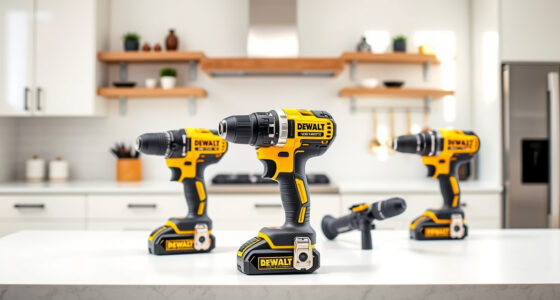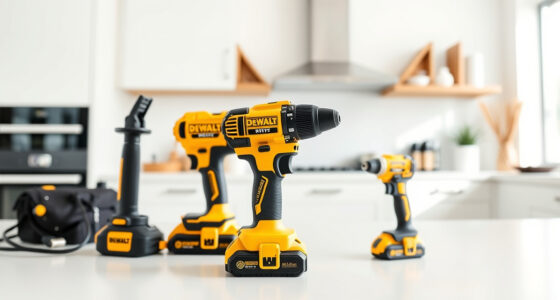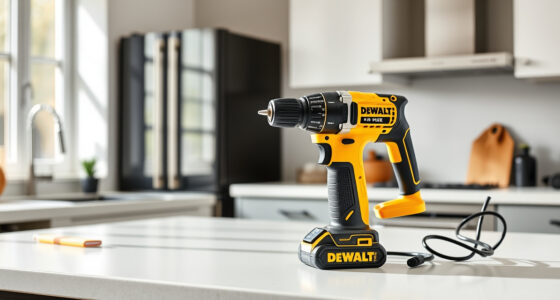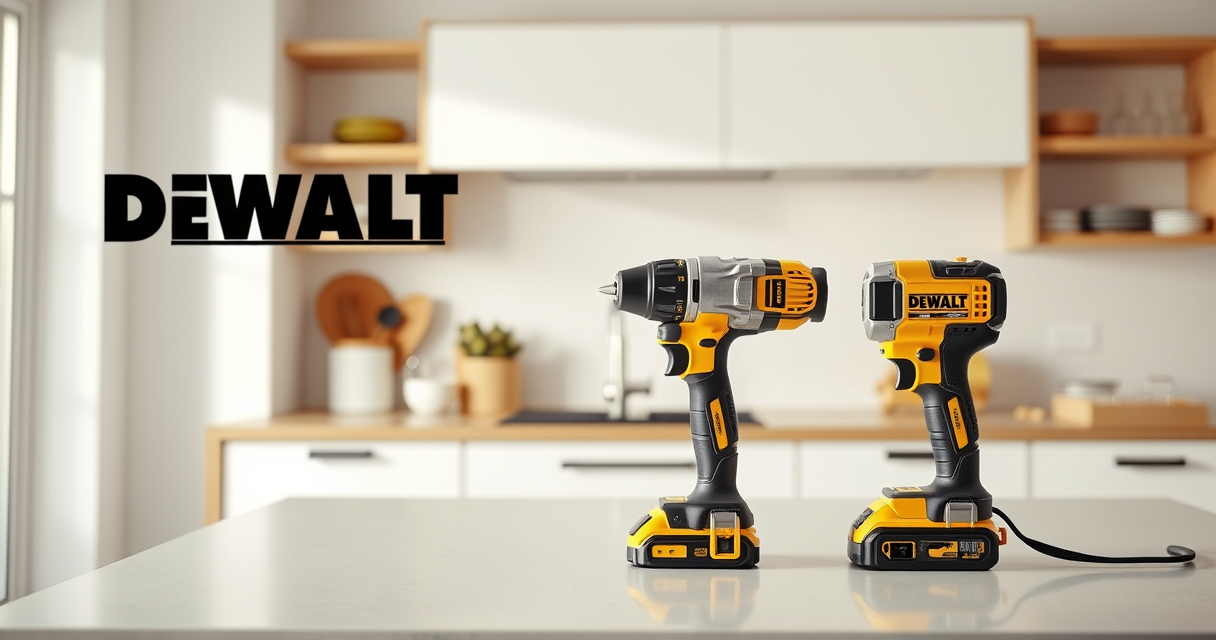

If your DEWALT 20V MAX Cordless Drill and Impact Driver is overheating during use, it can lead to reduced performance, potential damage, and safety risks. Overheating is often caused by prolonged use, excessive load, or battery issues. This guide provides clear troubleshooting steps to identify and resolve overheating problems, helping you keep your tools running smoothly and safely.

Get business pricing on garage and car supplies
- Business-only prices and quantity discounts
- Tax-exempt purchasing
- Multiple users, one account, clear invoices
Before attempting any fixes, ensure you’re working in a safe environment and wearing appropriate safety gear. Proper maintenance and cautious operation will prolong your tool’s lifespan and ensure optimal performance.
Key Takeaways
| Overuse causes overheating | Continuous operation without breaks can cause your drill to overheat. |
| Battery health matters | A degraded or incompatible battery can lead to excess heat. |
| Proper ventilation helps | Ensure proper airflow around the tool during use. |
| Check for mechanical issues | Jammed bits or internal obstructions can cause overheating. |
| Regular maintenance is key | Cleaning vents and checking parts prevents overheating. |
Step 1: Identify the Overheating Cause
- Observe when the tool overheats—during continuous use or certain tasks.
- Check if the overheating occurs with specific bits or loads.
- Inspect the battery for signs of swelling, corrosion, or excessive heat.
Understanding the cause helps determine whether the issue is related to usage habits, battery condition, or mechanical faults.
Step 2: Allow the Tool to Cool Down
- Immediately stop using the drill if it feels hot.
- Remove the battery and let the tool cool in a well-ventilated area for at least 15-30 minutes.
- Avoid placing the tool near direct heat sources or in enclosed spaces.
This simple step prevents further damage and prepares the tool for inspection and troubleshooting.
Step 3: Check and Maintain the Battery
- Ensure the battery is compatible and in good condition.
- Use the original DEWALT charger and avoid overcharging.
- Inspect the battery for swelling, corrosion, or damage; replace if necessary.
- Recharge the battery fully before use.
A faulty or degraded battery can generate excess heat, so maintaining healthy batteries is crucial for avoiding overheating.
Step 4: Clean and Lubricate the Tool
- Use a dry cloth or compressed air to clean dust and debris from vents, motor, and gears.
- Check for jammed bits or debris stuck in the chuck or internal parts.
- Lubricate moving parts with a small amount of appropriate lubricant if recommended by DEWALT.
Proper cleaning and lubrication reduce internal friction, preventing overheating and extending the tool’s lifespan.
Step 5: Avoid Overloading and Use Proper Technique
- Use the correct bits for your application, such as those in the DEWALT Drill Bit Set.
- Do not force the tool into tough materials; let it work at its own pace.
- Take regular breaks during prolonged tasks to prevent overheating.
Using the tool within its designed capacity helps prevent overheating caused by excessive load or prolonged use.
Additional Tips and Warnings
- Always wear safety glasses and gloves when working on or with power tools.
- Never operate a tool that shows signs of damage or excessive heat without proper inspection.
- Consult DEWALT’s user manual for specific maintenance and troubleshooting tips.
- Replace batteries or parts only with original DEWALT components.
Ignoring these precautions can lead to further damage or safety hazards. Regular maintenance and proper operation are key to preventing overheating.
The Products in This Guide

DEWALT 20V MAX Cordless Drill and Impact Driver
- ✔ Battery capacity: 2 x 5.0 Ah
- ✔ Charger included: Yes
- ✔ Tool weight: Lightweight

DEWALT Drill Bit Set
- ✔ Material: High Speed Steel
- ✔ Number of bits: 14
- ✔ Tip angle: 135°
DEWALT 20V MAX Cordless Drill and Impact Driver
The DEWALT 20V MAX Cordless Drill and Impact Driver is a versatile and compact tool suitable for various projects. While it’s designed for durability, overheating issues can occur if used improperly or if maintenance is neglected. Following the troubleshooting steps outlined will help ensure your tool remains functional and safe.
Pros:
- Compact and lightweight design
- Ergonomic comfort grip
- Bright LED for visibility
- Variable speed trigger for control
Cons:
- Can overheat with prolonged use
- Battery management critical
- Internal cleaning may be required
Best for: DIY enthusiasts and professionals needing reliable cordless drilling
Not ideal for: Heavy-duty continuous industrial use without breaks
Bottom line: With proper maintenance and operation, this DEWALT drill set offers dependable performance without overheating issues.
DEWALT Drill Bit Set
Pair your DEWALT drill with this 14-piece drill bit set for efficient and precise drilling through plastic, wood, and metal. These bits feature a 135-degree split point tip and heavy-duty High Speed Steel construction, enhancing durability and reducing walking on startup.
Pros:
- Wide variety of sizes
- Durable construction
- Corrosion-resistant coating
- Quick identification of sizes
Cons:
- Requires proper storage
- Not suitable for heavy industrial use
- Bits may dull over time with heavy use
Best for: Home improvement projects and DIY tasks
Not ideal for: Heavy industrial applications requiring specialized bits
Bottom line: This drill bit set offers excellent value and durability for a variety of common drilling needs.
Frequently Asked Questions
What are the main reasons a DEWALT drill overheats?
Overheating can occur due to prolonged use without breaks, excessive load, battery issues, or internal obstructions. Identifying the cause helps in applying the correct fix.
How long should I wait for my drill to cool down?
Allow at least 15-30 minutes in a well-ventilated area after overheating, especially before inspecting or reusing the tool.
Can I use any battery to replace the original DEWALT battery?
It’s best to use original DEWALT batteries, such as the 20V MAX 5Ah Lithium Ion Battery, to ensure compatibility and safety.
How often should I clean my power drill?
Regular cleaning after each use, especially removing dust from vents and internal parts, helps prevent overheating and mechanical issues.
Is overheating covered under warranty?
Warranty coverage typically does not include damage caused by misuse or neglect. Proper maintenance and following safety guidelines are essential.
Keep Your DEWALT Drills Cool and Reliable
By following these troubleshooting steps, you can prevent and resolve overheating issues with your DEWALT power tools. Proper maintenance, correct usage, and timely inspection ensure your tools perform efficiently and safely for years to come. Remember, safety always comes first—if your tool persists in overheating despite these efforts, contact DEWALT customer support for professional assistance.
Affiliate disclosure: As an Amazon Associate we earn from qualifying purchases. Prices and availability are accurate as of the time of publishing.
Fall Picks
fall essentials
As an affiliate, we earn on qualifying purchases.