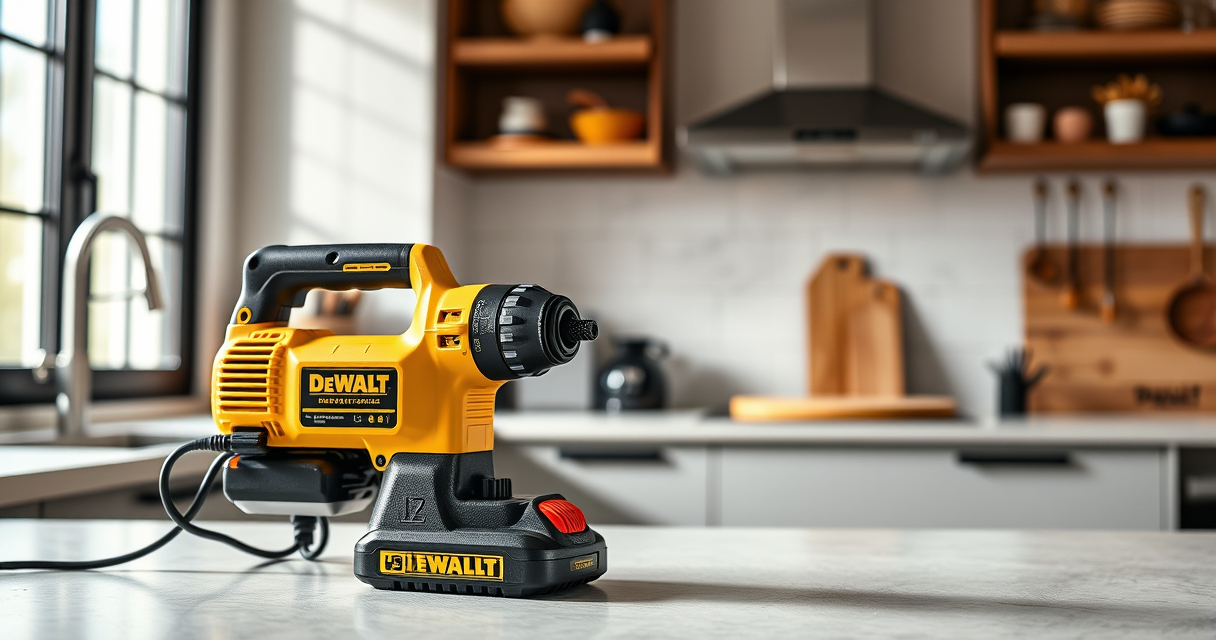
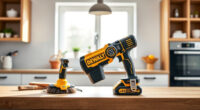
If your DeWALT 20V MAX battery isn’t charging, it can halt your productivity and cause frustration. This guide provides clear, step-by-step solutions to identify and fix common charging issues in a safe and effective manner.

Get business pricing on garage and car supplies
- Business-only prices and quantity discounts
- Tax-exempt purchasing
- Multiple users, one account, clear invoices
Following these troubleshooting tips can help restore your battery’s performance without the need for costly replacements or professional repairs.
Key Takeaways
| Check the charger | Ensure the charger and power source are working properly. |
| Inspect the battery | Look for physical damage or dirt on the battery contacts. |
| Test with another charger | Use a different compatible charger to rule out charger issues. |
| Reset the battery | Reset or re-seat the battery in the charger. |
| Replace if faulty | Consider replacing the battery if it no longer holds a charge. |
Verify Power Source and Charger
- Ensure the outlet or power strip is functioning by plugging in another device.
- Check the charger’s LED indicator for proper operation (refer to your model’s manual).
- If available, test with a different compatible charger to rule out charger failure.
Inspect the Battery and Contacts
- Remove the battery from your DeWALT tool and charger.
- Examine the battery for physical damage, corrosion, or dirt on the contacts.
- Clean the contacts gently with a dry cloth or a soft brush to remove dirt or debris.
Reset and Re-seat the Battery
- Place the battery fully into the charger, ensuring it clicks securely into place.
- Leave it connected for at least 30 minutes to see if it begins charging.
- If your charger has a reset button, press it before re-inserting the battery.
Test the Battery with a Known Good Charger
If possible, use a different charger compatible with your DeWALT battery to test if the issue persists. If the battery charges with another charger, your original charger may be faulty and need replacement.
Consider Battery Replacement
If your battery is old, damaged, or no longer holds a charge after troubleshooting, replacing it with a new one like the DEWALT 20V MAX 5 Ah Lithium Ion Battery (DCB205-2) might be the best solution.
The Products in This Guide

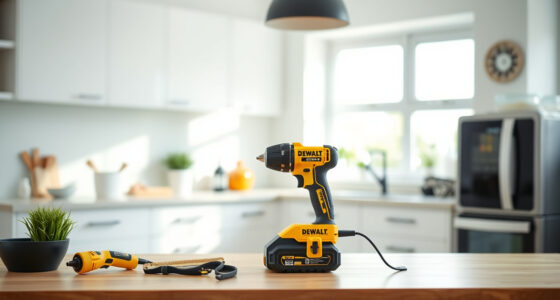
DEWALT 20V MAX Cordless Drill Driver Set
- ✔ Length: 7.6 inches
- ✔ Weight: 1.4 lbs
- ✔ LED Light: Yes

DEWALT Drill Bit Set
- ✔ Size Range: Various
- ✔ Web Design: Tapered
- ✔ Package: 14 Pieces
DEWALT 20V MAX Cordless Drill Driver Set
The DEWALT 20V MAX Cordless Drill Driver Set offers a durable, brushless motor with a 2-speed transmission, making it ideal for a variety of tasks. It includes a 2.0 Ah battery, which is compatible with other 20V MAX tools, and features an LED light for working in dim conditions.
Pros:
- Brushless motor delivers more runtime
- Compact and lightweight design
- Includes a 2.0 Ah battery and charger
- Ergonomic grip for better control
Cons:
- Battery life may vary with heavy use
- Charger may need replacement over time
- Limited to 20V MAX system
Best for: General-purpose drilling and fastening in tight spaces
Not ideal for: Heavy-duty industrial applications
Bottom line: A versatile, reliable drill set suited for most DIY and professional tasks.
DEWALT Drill Bit Set
The DEWALT Drill Bit Set with 14 high-speed steel bits is perfect for drilling into plastic, wood, and metal. Its 135-degree split point helps reduce walking, providing accuracy for your projects.
Pros:
- High-quality HSS material
- Split point reduces walking
- Corrosion-resistant coating
- Easy identification of sizes
Cons:
- Limited to drilling bits, not power tools
- Size range may not cover very large holes
- No carrying case included
Best for: Precision drilling in various materials
Not ideal for: Heavy-duty industrial drilling
Bottom line: A versatile drill bit set that enhances accuracy and durability.
Frequently Asked Questions
Why isn’t my DeWALT battery charging?
Common causes include a faulty charger, dirty contacts, or a damaged battery. Troubleshooting involves inspecting these components and testing with a known good charger.
How can I clean the battery contacts?
Use a dry cloth or soft brush to gently remove dirt or corrosion from the contacts. Avoid using liquids or harsh abrasives to prevent damage.
Should I replace my battery if it no longer holds a charge?
Yes, if troubleshooting doesn’t resolve charging issues, replacing the battery with a compatible new one, like the DEWALT DCB205-2, is advisable.
Can I use any charger with my DeWALT batteries?
Only use chargers compatible with your battery model (e.g., 20V MAX chargers). Using incompatible chargers can cause charging problems or damage.
Getting Your DeWALT Power Tool Back in Action
With a systematic approach, diagnosing and fixing your DeWALT battery charging issues can be straightforward and safe. Always ensure you’re working in a safe environment, disconnect power sources before inspecting batteries, and replace components as needed.
Following these steps can help extend the life of your batteries and keep your tools ready for any project.
Affiliate disclosure: As an Amazon Associate we earn from qualifying purchases. Prices and availability are accurate as of the time of publishing.
Fall Picks
fall essentials
As an affiliate, we earn on qualifying purchases.