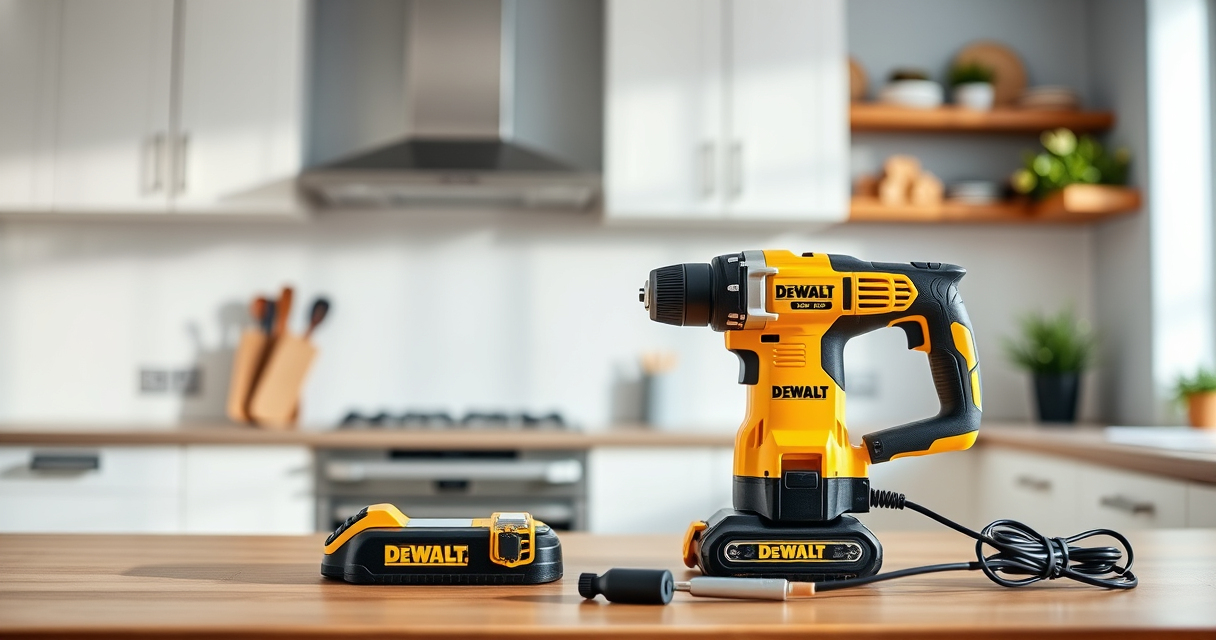
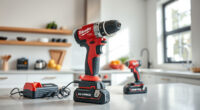
Keeping your DEWALT XR Impact Driver clean is essential for maintaining its performance and extending its lifespan. Dirt, dust, and debris can impair functionality, especially in tight spaces or harsh environments. This guide provides clear, safe steps to properly clean your impact driver without damaging its components.
Always prioritize safety and use the right tools and techniques to avoid injury or equipment damage.
Key Takeaways
| Regular Cleaning | Prevents dirt buildup that can impair operation. |
| Use Appropriate Tools | Soft brushes and compressed air are recommended. |
| Avoid Liquids | Keep electrical components dry to prevent damage. |
| Inspect for Damage | Cleaning is a good opportunity to check for wear or defects. |

DEWALT 20V MAX Cordless Drill and Impact Driver, Power Drill Brushless 2-Tool Power Tool Combo Kit, Includes 2 Batteries, Charger and Bag (DCK277D2)
- Compact Design: 7.6-inch lightweight and slim
- Ergonomic Grip: Comfortable, balanced control
- LED Work Light: Bright LED with 20-second delay
As an affiliate, we earn on qualifying purchases.
Gather Your Cleaning Supplies
- Soft-bristled brush or toothbrush
- Compressed air canister
- Microfiber cloth
- Isopropyl alcohol (70% or higher)
- Small screwdriver (if disassembly is necessary)

DEWALT Drill Bit Set, 3-Flats Shank,14-Piece, 135 Degree Split Point, for Plastic, Wood and Metal (DWA1184)
- Split point tip: Reduces walking during drilling
- Material: High Speed Steel for versatile use
- Durability: Tapered web design resists breakage
As an affiliate, we earn on qualifying purchases.
Power Down and Remove Batteries
Before cleaning, ensure the impact driver is turned off and unplugged from any power source. Remove the batteries to prevent accidental activation and electrical shorts.
Clean Exterior Surfaces
- Use a microfiber cloth to wipe down the exterior, removing dust and grime.
- Gently brush around vents, buttons, and crevices with the soft brush.
- Use compressed air to blow out dust from vents and hard-to-reach areas. Keep the can upright and at a safe distance.
Clean the Chuck and Bits
Remove the bit and inspect the chuck. Use compressed air to clear debris from the chuck area. If needed, dampen a cloth with isopropyl alcohol to wipe the chuck and bits, then dry thoroughly.
Disassemble for Deep Cleaning (Optional)
If your impact driver is heavily soiled, consult the user manual for disassembly instructions. Carefully remove the housing panels with a small screwdriver. Clean internal components with compressed air and alcohol-dampened cloth, avoiding electrical parts.
Reassemble and Test
Once cleaned and dry, reassemble any parts. Reinsert the batteries and test the impact driver in a safe area to ensure proper operation.
The Products in This Guide

DEWALT 20V MAX Cordless Drill and Impact Driver
- ✔ Weight: 3.4 lbs
- ✔ Battery capacity: 5 Ah
- ✔ Chuck type: Quick-release hex

DEWALT Drill Bit Set
- ✔ Size range: 1/16-in to 3/8-in
- ✔ Durability: High Speed Steel
- ✔ Design: Split point
DEWALT 20V MAX Cordless Drill and Impact Driver
The DEWALT 20V MAX Cordless Drill and Impact Driver offers a compact design and user-friendly features that make cleaning straightforward. Regular maintenance keeps it running smoothly and prolongs its lifespan.
Pros:
- Lightweight and compact
- Ergonomic grip
- Bright LED for visibility
- Easy bit change with quick release
Cons:
- Limited internal access for deep cleaning
- Requires caution during disassembly
Best for: DIY enthusiasts and professionals needing durable, easy-to-maintain impact drivers
Not ideal for: For users unfamiliar with disassembly or wanting minimal maintenance
Bottom line: The DEWALT XR Impact Driver is a durable, easy-to-clean tool ideal for various projects.
DEWALT Drill Bit Set
Pairing your impact driver with the DEWALT Drill Bit Set ensures efficient and precise drilling into various materials, making your cleaning and maintenance routine even more effective.
Pros:
- High-quality steel
- Split point design reduces walking
- Wide range of sizes
- Rust-resistant coating
Cons:
- Requires proper storage
- Bit set not included in impact driver kit
Best for: Home improvement projects involving multiple materials
Not ideal for: For users needing specialized or heavy-duty bits
Bottom line: This drill bit set complements your impact driver for versatile, reliable drilling.
Frequently Asked Questions
Can I use water or liquids to clean my impact driver?
No, liquids can damage electrical components. Use compressed air and dry cloths for cleaning.
How often should I clean my impact driver?
Regular cleaning after heavy use or exposure to dust and debris helps maintain optimal performance. Once a month is a good routine for frequent users.
Is disassembly necessary for routine cleaning?
Not usually. Most cleaning can be done externally with compressed air and a cloth. Disassembly is only needed for deep cleaning or troubleshooting.
What should I do if my impact driver isn’t turning on after cleaning?
Check the batteries, ensure they are charged and properly inserted. If issues persist, inspect for internal damage or contact support.
Keep Your Impact Driver in Top Shape
Regularly cleaning your DEWALT XR Impact Driver ensures it remains reliable and efficient for all your projects. Follow these steps carefully, avoid liquids, and perform periodic inspections to prolong its lifespan. Proper maintenance not only enhances performance but also saves you money in the long run.
Affiliate disclosure: As an Amazon Associate we earn from qualifying purchases. Prices and availability are accurate as of the time of publishing.