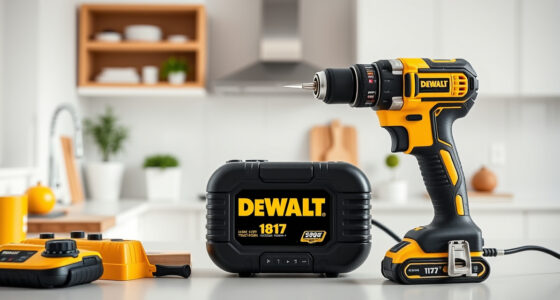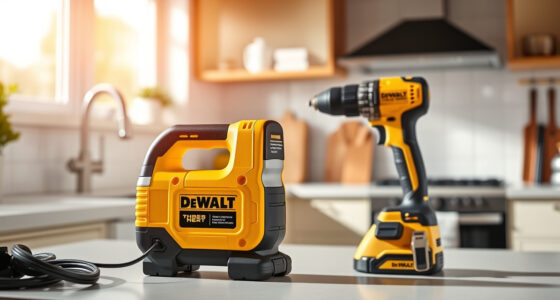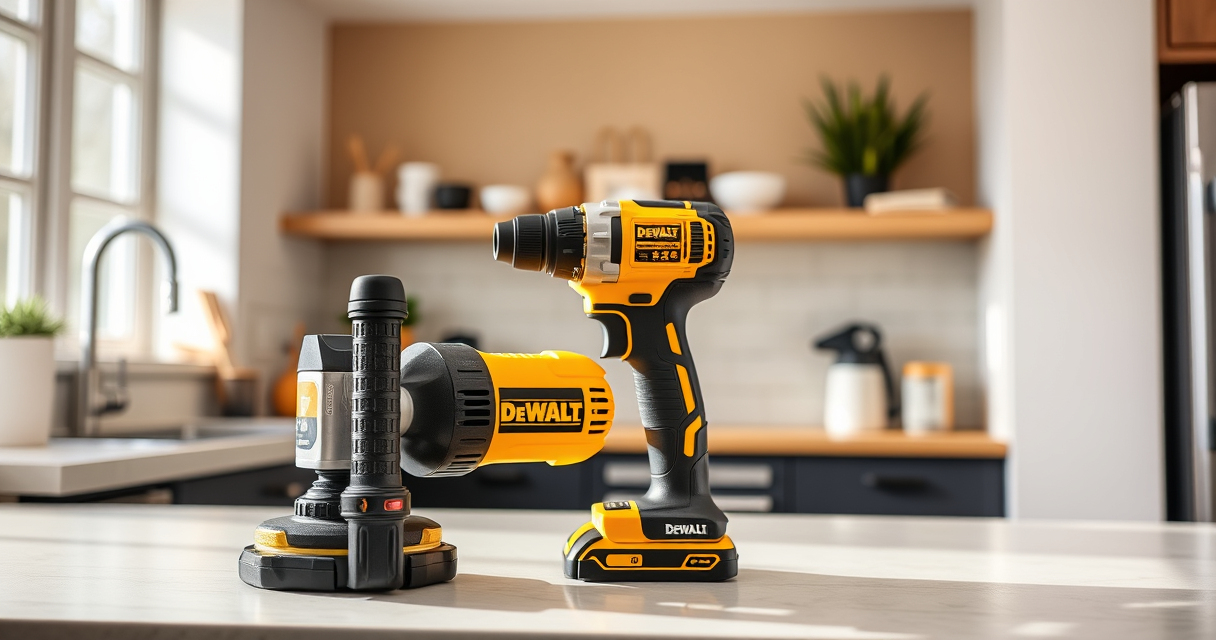
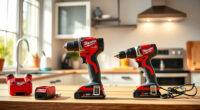
Keeping your DEWALT power tools in top condition ensures they perform reliably and last for years. Regular maintenance is essential, especially for cordless tools like the DEWALT 20V MAX Cordless Drill and Impact Driver. This guide provides step-by-step instructions, safety tips, and troubleshooting techniques to help you get the most out of your tools.

Get business pricing on garage and car supplies
- Business-only prices and quantity discounts
- Tax-exempt purchasing
- Multiple users, one account, clear invoices
Whether you’re a DIY enthusiast or a professional, understanding how to properly care for your DEWALT tools will save you time and money in the long run. From cleaning and battery care to fixing common issues, we’ve covered everything you need to know to keep your tools running smoothly.
Key Takeaways
| Regular Cleaning | Keeps dust and debris from impairing tool operation and prolongs lifespan. |
| Battery Maintenance | Proper charging and storage extend battery life and ensure consistent power. |
| Routine Inspection | Check for wear, loose parts, and damage before each use to prevent accidents. |
| Lubrication | Apply appropriate lubricant to moving parts to reduce friction and wear. |
| Troubleshooting | Identify and resolve common issues like power loss or overheating promptly. |
Cleaning Your DEWALT Power Tools
- Power off and remove the battery before cleaning. This prevents accidental activation and electrical issues.
- Use a soft brush or compressed air to remove dust and debris from vents, motor housing, and moving parts.
- Wipe the exterior with a damp cloth. Avoid harsh chemicals that can damage plastic or paint.
- For stubborn dirt, use a mild soap solution and dry thoroughly.
- Regular cleaning after each use keeps your tool operating efficiently and helps identify potential issues early.
Battery Care and Maintenance
- Always use the recommended charger for your DEWALT batteries. Using incompatible chargers can damage the battery or reduce its lifespan.
- Charge batteries in a cool, dry place, away from direct sunlight and extreme temperatures.
- Do not leave batteries in a discharged state for extended periods. Recharge periodically if not in use for long.
- Inspect the LED charge indicator regularly; a flashing or dim light may signify a problem.
- Store batteries at around 50% charge if not used for a long time to prevent capacity loss.
Routine Inspection and Basic Repairs
- Check for loose screws, worn brushes, or damaged cords and replace or tighten as needed.
- Inspect the quick-release hex chuck for debris or wear, and clean or replace if it no longer grips bits securely.
- Test the LED light and trigger for proper operation. Replace batteries or components if they malfunction.
- Ensure ventilation slots are free of dust and debris to prevent overheating.
- If the tool vibrates excessively or makes unusual noises, stop use immediately and troubleshoot or seek professional repair.
Lubrication and Moving Parts Care
Many DEWALT power tools benefit from periodic lubrication of moving parts. Use a light machine oil or manufacturer-recommended lubricant. Apply sparingly to gears, bearings, and other moving components. This reduces friction, prevents rust, and extends the life of your tool. Always follow the specific lubrication schedule outlined in your tool’s manual.
Troubleshooting Common Issues
- Tool not turning on: Check the battery charge level, ensure the battery is properly seated, and inspect for damaged wiring or brushes.
- Overheating: Allow the tool to cool down and check for debris blocking vents or moving parts. Clean and ensure proper ventilation before use again.
- Bit slipping in chuck: Tighten the quick-release chuck or replace worn-out parts.
- LED light not working: Replace the battery or check for electrical faults.
The Products in This Guide

DEWALT 20V MAX Cordless Drill and Impact Driver
- ✔ Battery Capacity: 5Ah
- ✔ Charger Included: Yes
- ✔ Lightweight: Yes

DEWALT Drill Bit Set
- ✔ Tip Design: Split point
- ✔ Coating: Rust-resistant
- ✔ Material: High-Speed Steel
DEWALT 20V MAX Cordless Drill and Impact Driver
The DEWALT 20V MAX Cordless Drill and Impact Driver (DCK277D2) is a reliable, versatile set that excels in tight spaces thanks to its compact design. Its brushless motors deliver efficient performance, while the ergonomic grips and bright LED enhance usability in dark or confined areas. Regular maintenance, including cleaning and battery care, will keep this tool performing at its best for years.
Pros:
- Compact and lightweight design
- Brushless motor for efficiency
- Includes 2 batteries and charger
- Bright LED for visibility
Cons:
- Battery life can vary with heavy use
- Chuck may loosen over time if not tightened properly
- Limited to 20V system
Best for: Ideal for DIY projects, home repairs, and professional tasks requiring precision in tight spaces.
Not ideal for: Not suitable for heavy industrial use or extended high-power applications.
Bottom line: A reliable, compact drill and impact driver combo perfect for versatile tasks in tight spaces.
DEWALT Drill Bit Set
The DEWALT Drill Bit Set (DWA1184) is a high-quality collection designed for a variety of materials like plastic, wood, and metal. With a 135-degree split point tip, these bits reduce walking and ensure accurate drilling. Made of high-speed steel with a rust-resistant coating, they are perfect for both professional and DIY projects.
Pros:
- Versatile for multiple materials
- Reduces walking with split point tip
- Durable high-speed steel
- Anti-rust coating
Cons:
- Set size may not cover all needs
- Requires proper handling to avoid breakage
- Not suitable for heavy-duty industrial use
Best for: Ideal for general drilling tasks in woodworking, plastics, and light metalwork.
Not ideal for: Not recommended for heavy-duty or high-torque applications.
Bottom line: A versatile, durable drill bit set that enhances precision and reduces slipping during drilling.
Frequently Asked Questions
How often should I clean my DEWALT power tools?
After each use, especially if working in dusty or dirty environments. Regular cleaning prevents debris buildup that can impair performance.
What is the best way to store DEWALT batteries?
Store batteries in a cool, dry place at around 50% charge if not used long-term. Avoid extreme temperatures and direct sunlight.
Can I use other brand batteries with my DEWALT tools?
It’s recommended to use DEWALT batteries to ensure compatibility and safety. Using incompatible batteries may cause damage or safety hazards.
Why does my drill overheat?
Overheating can result from prolonged use, blocked vents, or excessive pressure. Allow the tool to cool and check for dust or debris blocking airflow.
My impact driver is not turning on, what should I do?
First, check the battery charge level and ensure the battery is properly seated. Inspect for any visible damage or loose parts, and replace the battery if necessary.
Maintaining Your DEWALT Power Tools for Peak Performance
Proper maintenance of your DEWALT power tools extends their lifespan and ensures safe, reliable operation. Regular cleaning, battery care, and routine inspections are simple yet effective steps to keep your tools in top condition. When issues arise, troubleshooting promptly can prevent further damage and costly repairs. Invest a little time now, and your tools will serve you well through countless projects.
Remember, always follow safety guidelines during maintenance, and consult your user manual for specific instructions. With proper care, your DEWALT tools will remain dependable partners for all your drilling and fastening needs.
Affiliate disclosure: As an Amazon Associate we earn from qualifying purchases. Prices and availability are accurate as of the time of publishing.
Fall Picks
fall essentials
As an affiliate, we earn on qualifying purchases.