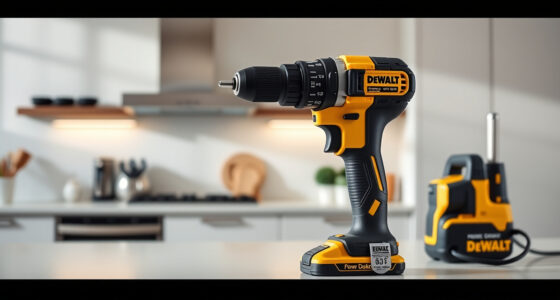

DeWALT power tools are renowned for their durability and performance, but like all electrical devices, they can overheat during prolonged use or under certain conditions. Overheating can lead to reduced power, damage, or even safety hazards. This guide provides clear, practical steps to identify causes of overheating in DEWALT tools, especially cordless drills like the 20V MAX Cordless Drill and Impact Driver, and how to fix or prevent it effectively.

Get business pricing on garage and car supplies
- Business-only prices and quantity discounts
- Tax-exempt purchasing
- Multiple users, one account, clear invoices
Understanding the common reasons behind overheating and implementing simple troubleshooting techniques can extend the lifespan of your tools and ensure safe operation in your projects. Let’s explore what leads to overheating and the best ways to resolve it safely and efficiently.
Key Takeaways
| Overheating causes | Overuse, poor ventilation, worn-out brushes, or damaged batteries can cause DEWALT tools to overheat. |
| Immediate fixes | Allow the tool to cool, check for obstructions, and inspect the battery and motor. |
| Prevention tips | Regular maintenance, proper usage, and avoiding continuous operation help prevent overheating. |
| Safety precautions | Always disconnect power before inspecting or repairing and use appropriate safety gear. |
Identifying the Signs of Overheating
Before attempting to fix an overheating issue, recognize the signs. Common indicators include the tool becoming excessively hot to the touch, a burning smell, reduced performance, or the tool shutting down unexpectedly. In some cases, the LED indicator may flash or show an error message if your DEWALT model has one.
In my experience, the first visible sign is often a noticeable warmth after extended use, especially when drilling or driving for several minutes continuously. Ignoring these signs can lead to permanent damage to the motor or batteries. Therefore, it’s essential to stop using the tool immediately once overheating is suspected and allow sufficient cooling time.
Step-by-Step Troubleshooting Guide
- Power Down & Cool Down: Turn off the tool and disconnect it from the battery or power source. Place it in a well-ventilated area and let it cool for at least 15-30 minutes.
- Inspect for Obstructions or Debris: Check the vents, motor housing, and cooling fins for dust, debris, or blockages that may hinder airflow. Use compressed air or a soft brush to clear out accumulated dirt.
- Examine the Battery: Remove the battery and check for swelling, corrosion, or dirt on the contacts. Clean contacts gently with a dry cloth and try a different, fully charged battery if available.
- Test the Tool: Reassemble and operate the tool at a lower speed or for shorter periods to see if overheating occurs again.
- Check the Brushes & Motor: If the issue persists, inspect the brushes for wear (if accessible). Worn brushes should be replaced, or have a professional service evaluate the motor for damage.
Preventing Overheating in Daily Use
Consistent maintenance and proper usage significantly reduce overheating risk. Always operate the tool within its recommended limits—avoid continuous operation beyond the suggested duration. Use the correct bit and ensure it is securely attached, as loose bits can cause increased strain and heat buildup.
Allow your tool to rest if it becomes warm during use, especially in demanding tasks. Regularly clean air vents and cooling fins to ensure optimal airflow. Additionally, use batteries with a high amp-hour rating, such as the DEWALT 20V MAX 5 Ah Lithium-Ion Battery, which provides sustained power and reduces heat stress during prolonged use.
Safety Tips & Important Warnings
- Always disconnect the battery or power source before inspecting or repairing your tool.
- Wear safety goggles and gloves when cleaning or working on the internal parts.
- Never operate the tool while it is excessively hot or smoking, as this could cause further damage or safety hazards.
- If the tool continues to overheat despite troubleshooting, seek professional repair or contact DEWALT customer support.
The Products in This Guide

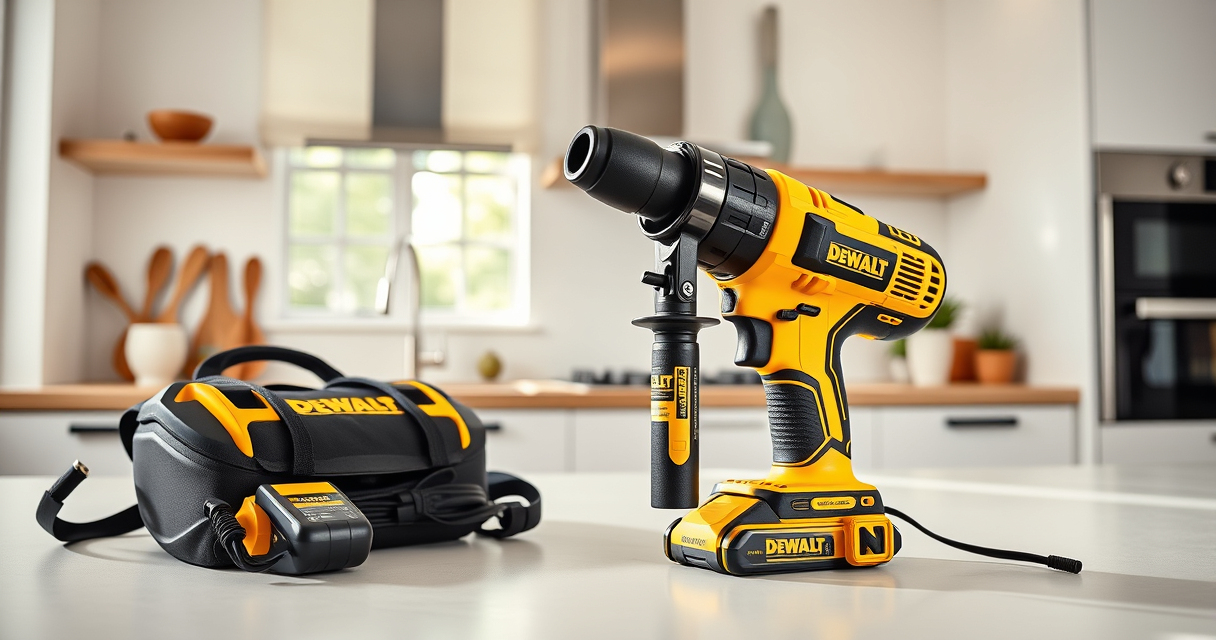
DEWALT 20V MAX Cordless Drill and Impact Driver
- ✔ Voltage: 20V MAX
- ✔ Battery: 2 x 5Ah
- ✔ Weight: Lightweight

DEWALT Drill Bit Set
- ✔ Number of Bits: 14
- ✔ Shank Type: 3-flats
- ✔ Tip Angle: 135°
DEWALT 20V MAX Cordless Drill and Impact Driver
The DEWALT 20V MAX Cordless Drill and Impact Driver set offers exceptional performance for a variety of projects. While overheating can occur, following proper troubleshooting and maintenance extends its lifespan and keeps it running smoothly.
Pros:
- Compact and lightweight design
- Ergonomic comfort grip
- Bright LED for visibility
- Variable speed control
Cons:
- Can overheat with prolonged use
- Ventilation vents may clog over time
- Battery may swell if overused
Best for: DIY enthusiasts and professionals needing reliable cordless drilling and driving power.
Not ideal for: Heavy continuous use without breaks or in poorly ventilated areas.
Bottom line: A versatile, dependable power tool set that benefits from regular maintenance to prevent overheating.
DEWALT Drill Bit Set
The DEWALT Drill Bit Set complements your cordless drill perfectly, providing durable, sharp bits with a split point tip for reducing walk and improving accuracy. It’s a reliable addition for any project, especially when working with wood, plastic, or metal.
Pros:
- High-speed steel construction
- 135-degree split point
- Reduces walking on start
- Corrosion-resistant coating
Cons:
- Requires proper storage to avoid damage
- Limited to drilling applications only
- Bits may wear over time if misused
Best for: Home improvement projects and professional carpentry requiring durable bits.
Not ideal for: Heavy-duty industrial use or extreme drilling conditions.
Bottom line: A durable drill bit set that enhances precision and longevity for your DEWALT cordless tools.
Frequently Asked Questions
Why does my DEWALT drill overheat during use?
Overheating can result from prolonged continuous operation, blocked ventilation, excessive load, or worn brushes. Ensuring proper use and maintenance can prevent this.
How long should I wait for my tool to cool down?
Allow at least 15-30 minutes in a well-ventilated area after overheating before attempting to use it again.
Can I fix overheating myself?
Yes, basic troubleshooting like cleaning vents, inspecting batteries, and allowing the tool to cool can often resolve overheating. More complex issues, like motor or brush replacements, should be handled by professionals.
How often should I maintain my DEWALT power tools?
Regular cleaning, inspection of vents, and checking brushes every 6-12 months help maintain optimal performance and prevent overheating.
What safety precautions should I follow?
Always disconnect power before inspecting or repairing, wear protective gear, and operate within the tool’s recommended limits to avoid accidents.
Keep Your DEWALT Tools Cool and Working Smoothly
Proper maintenance, cautious operation, and prompt troubleshooting can significantly reduce overheating issues, prolonging the life of your DEWALT power tools. By following the steps outlined above, you can ensure safe and efficient performance on all your projects. Remember, when in doubt, consult a professional or contact DEWALT support for advanced repairs.
Affiliate disclosure: As an Amazon Associate we earn from qualifying purchases. Prices and availability are accurate as of the time of publishing.
Halloween Picks
halloween
As an affiliate, we earn on qualifying purchases.